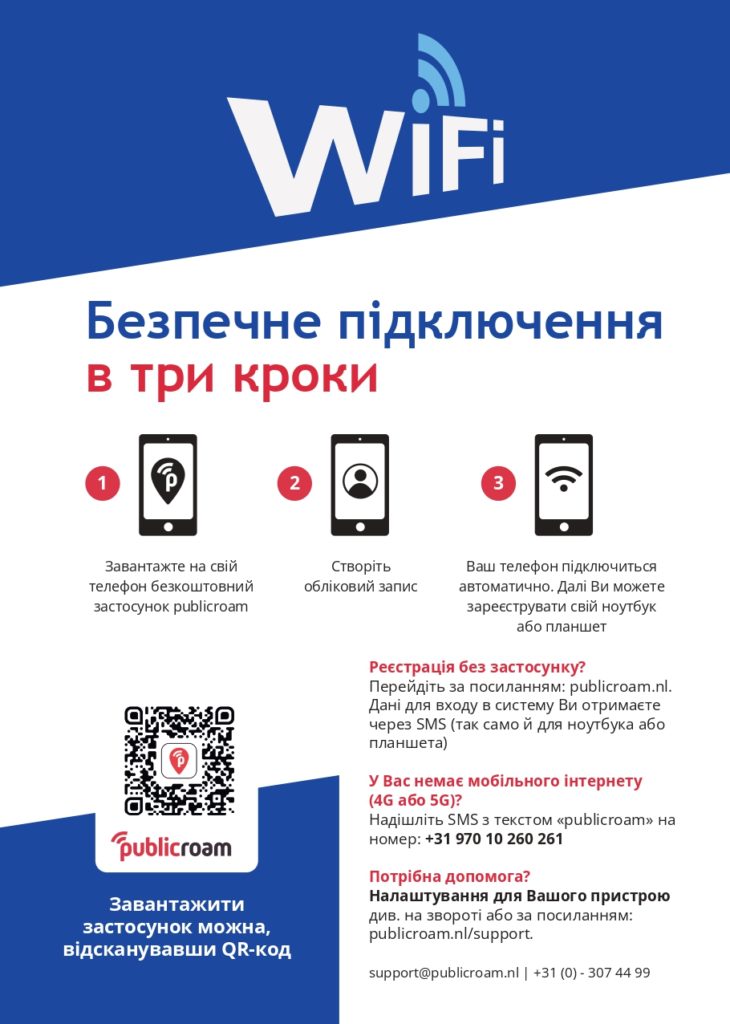
Connect to WIFI
 Join publicroam
 Need help connecting?
Support
Support per device
iOS
iPhone
iPad

macOS
MacBook
iMac

Windows
Laptop
PC

Android/Samsung
Phone
Tablet

Chromebook
Laptop

Linux
Laptop
PC
New to Publicroam?
1
Create an account with your smartphone
The easiest way is to download the Publicroam app.
Prefer not to use the app? Go to ” Sign up via sms.”
2
Sign up once
Log in once. After that, your device is set up.
3
Automatically connect
From now on, your device will automatically connect to Publicroam Wi-Fi. With a secure connection.

Online anywhere
You’ll get online instantly at all Publicroam locations.
Logging in other devices? Use the same login credentials.
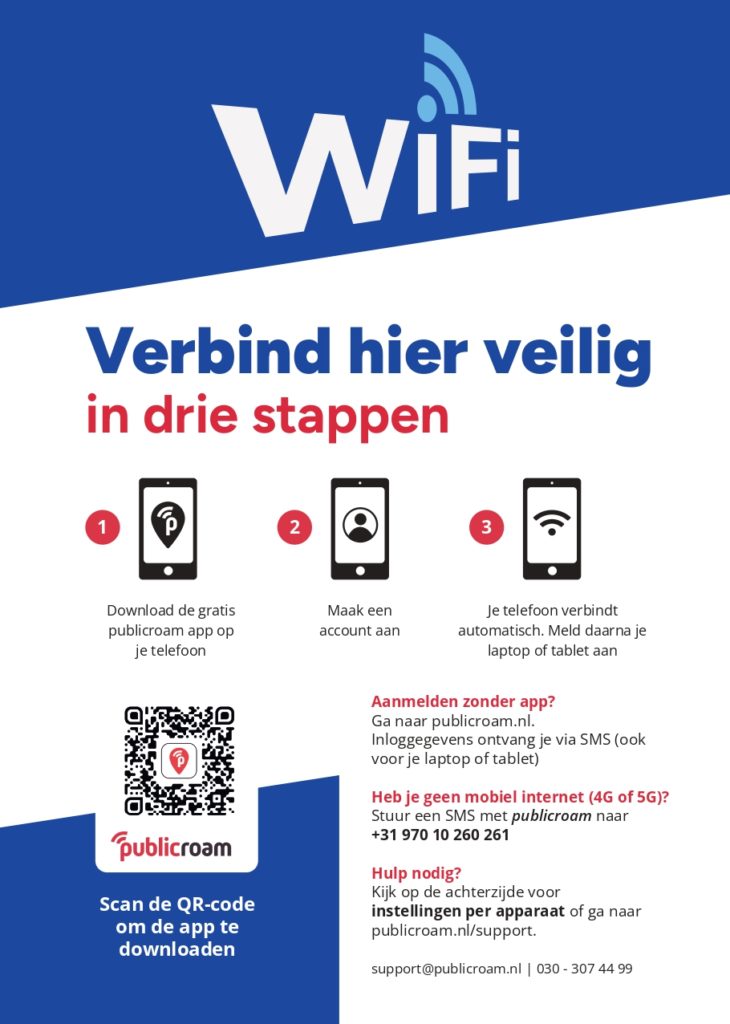
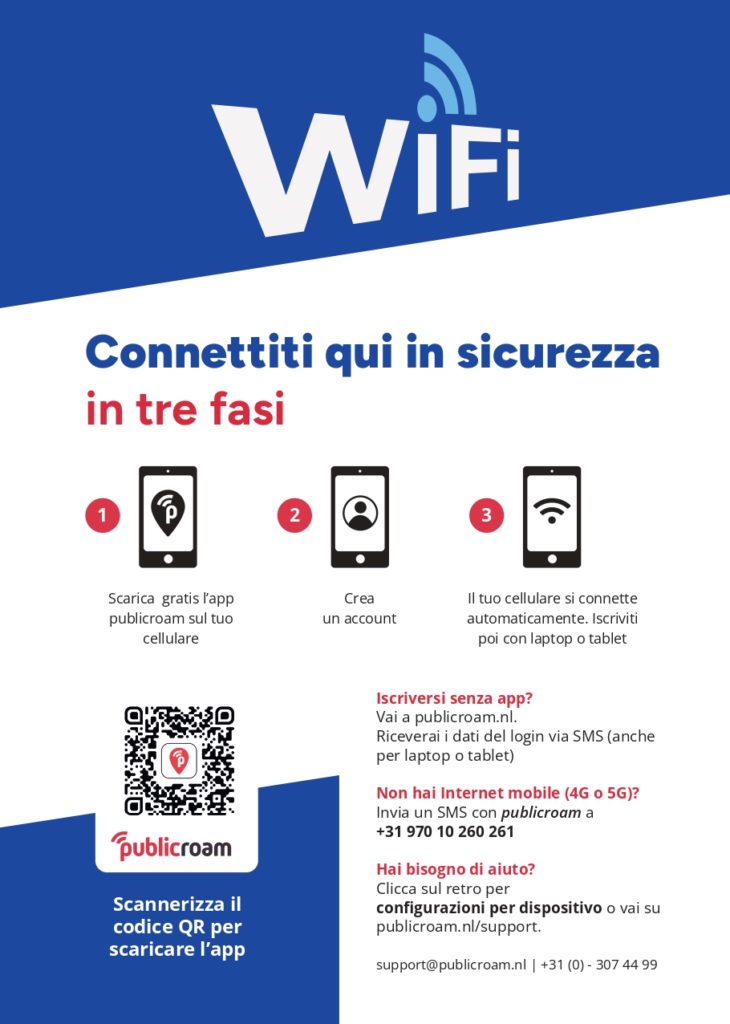
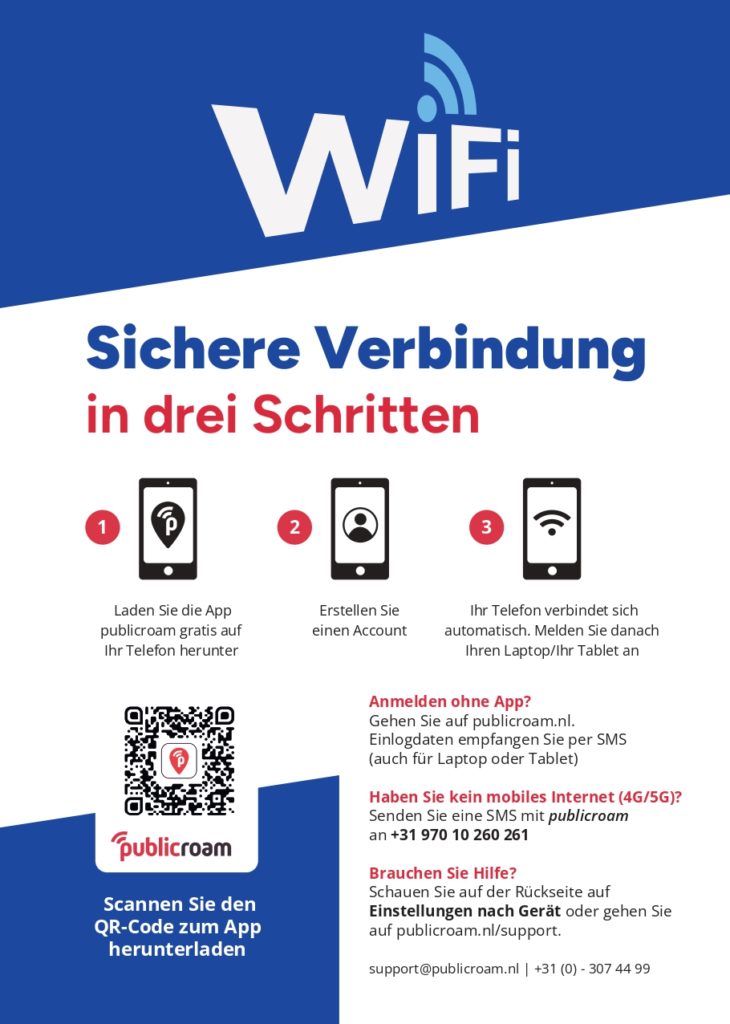
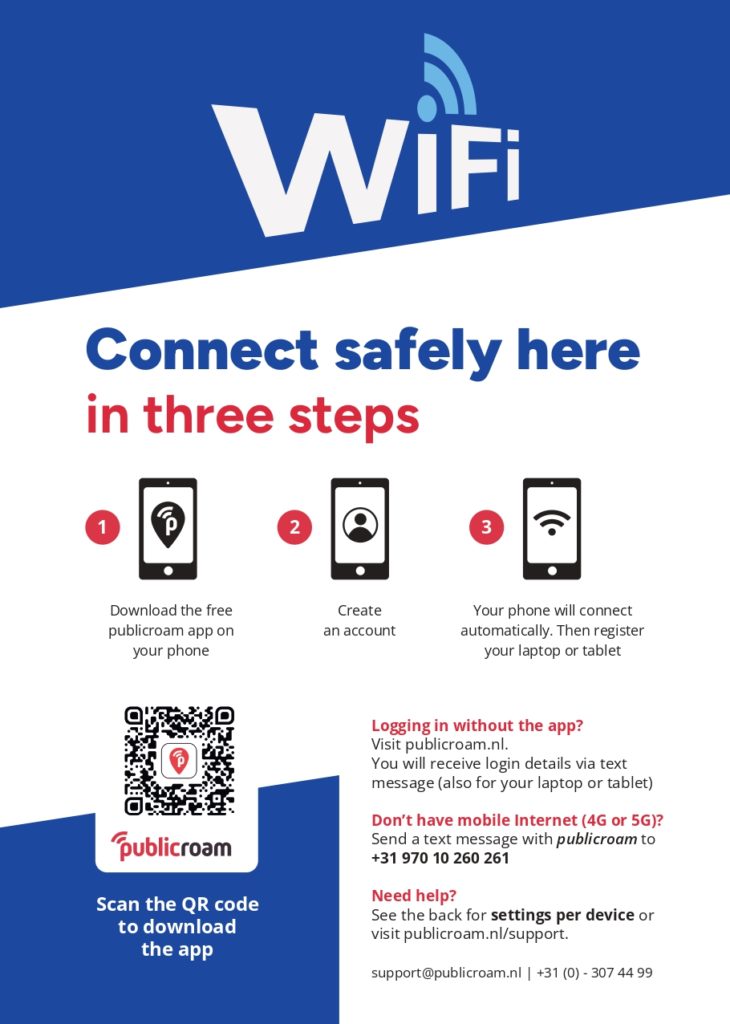
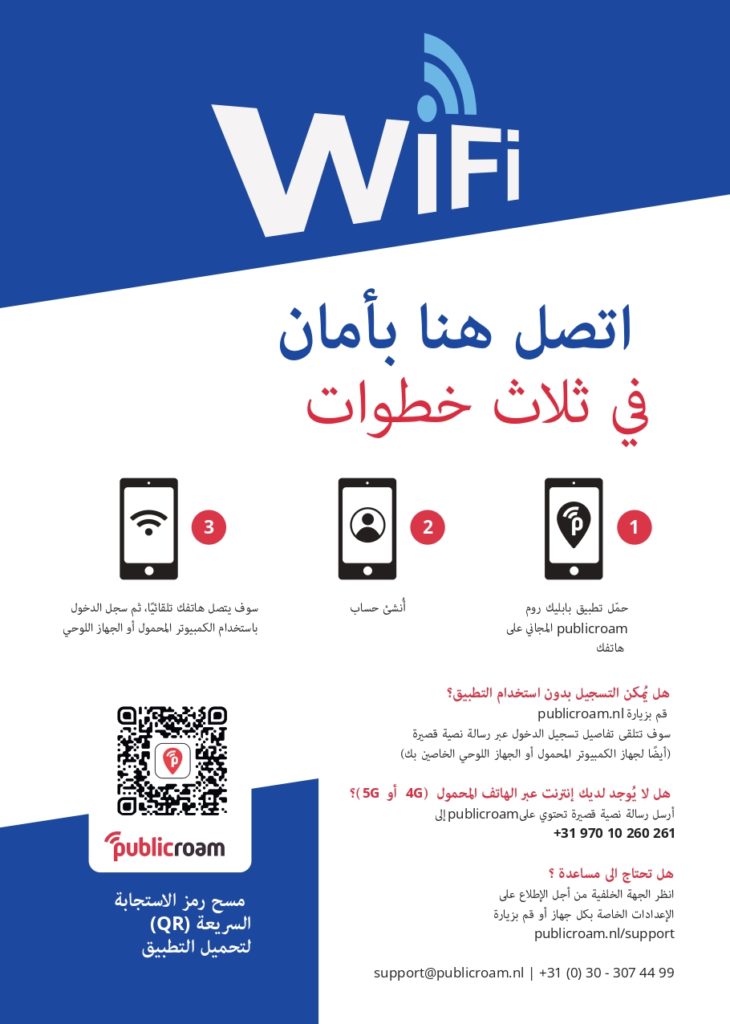
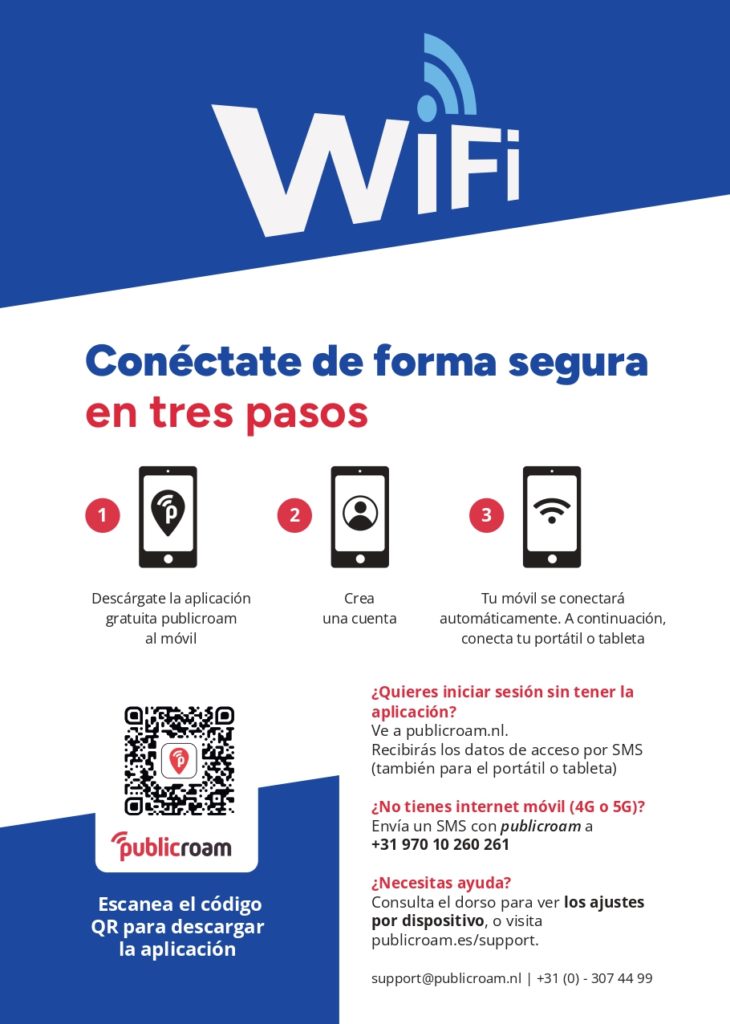
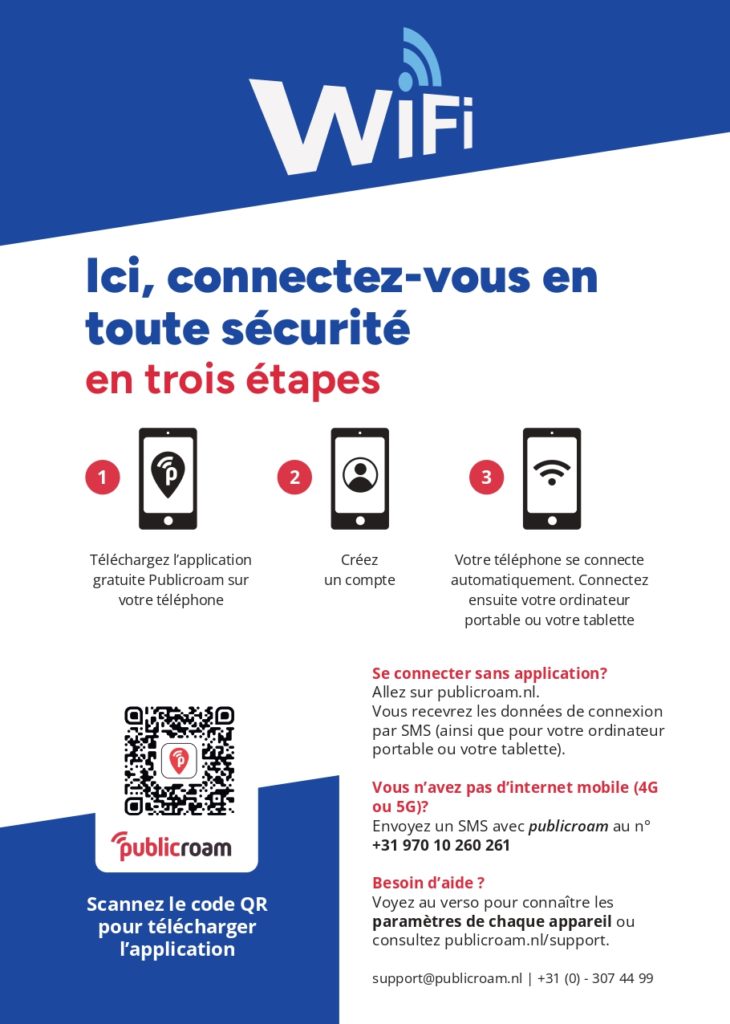
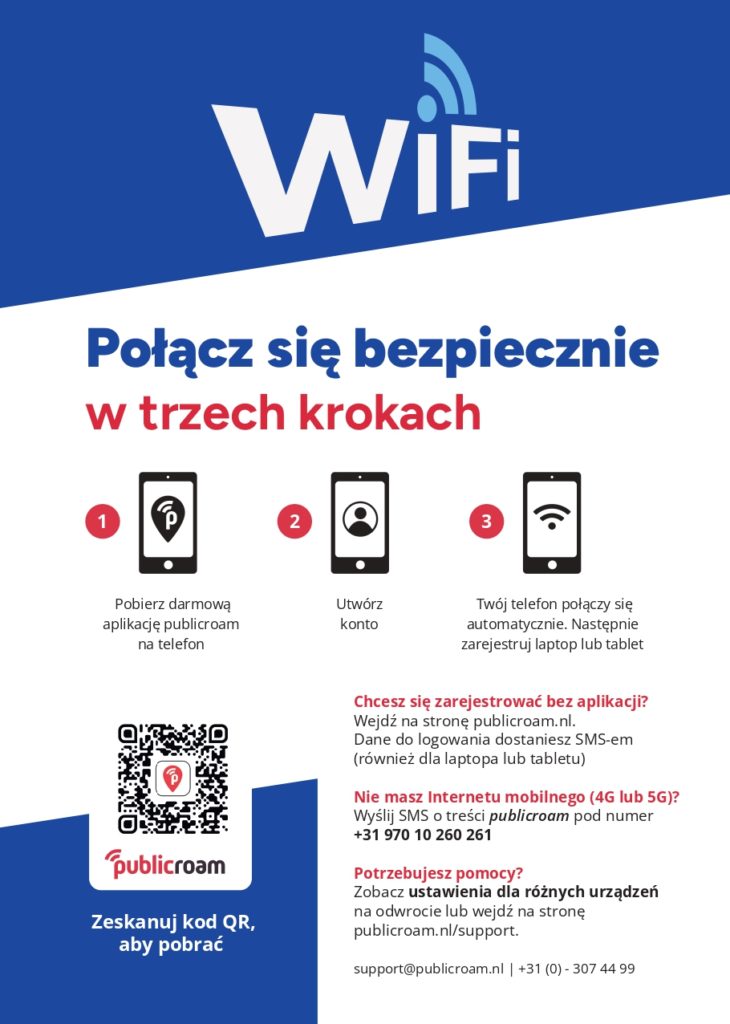
Download instructions in your language
Download instructions in your language
Download a PDF brochure with clear explanations and installation instructions. Select your language.